UI/UX design for products that feel clear, consistent, and easy to use
We structure the experience, clarify flows, and shape interfaces that help the product make sense quickly and reduce friction.
We start from goals, audience, and real usage scenarios, then translate that into wireframes, screens, and a coherent visual language.
Strategy, structure, and visual direction for the product
We bring order to the information, define the page architecture, and set the visual language before detailed design starts.
What’s included
From research and wireframes to prototypes and design systems, we build the visual and functional foundation of the product.
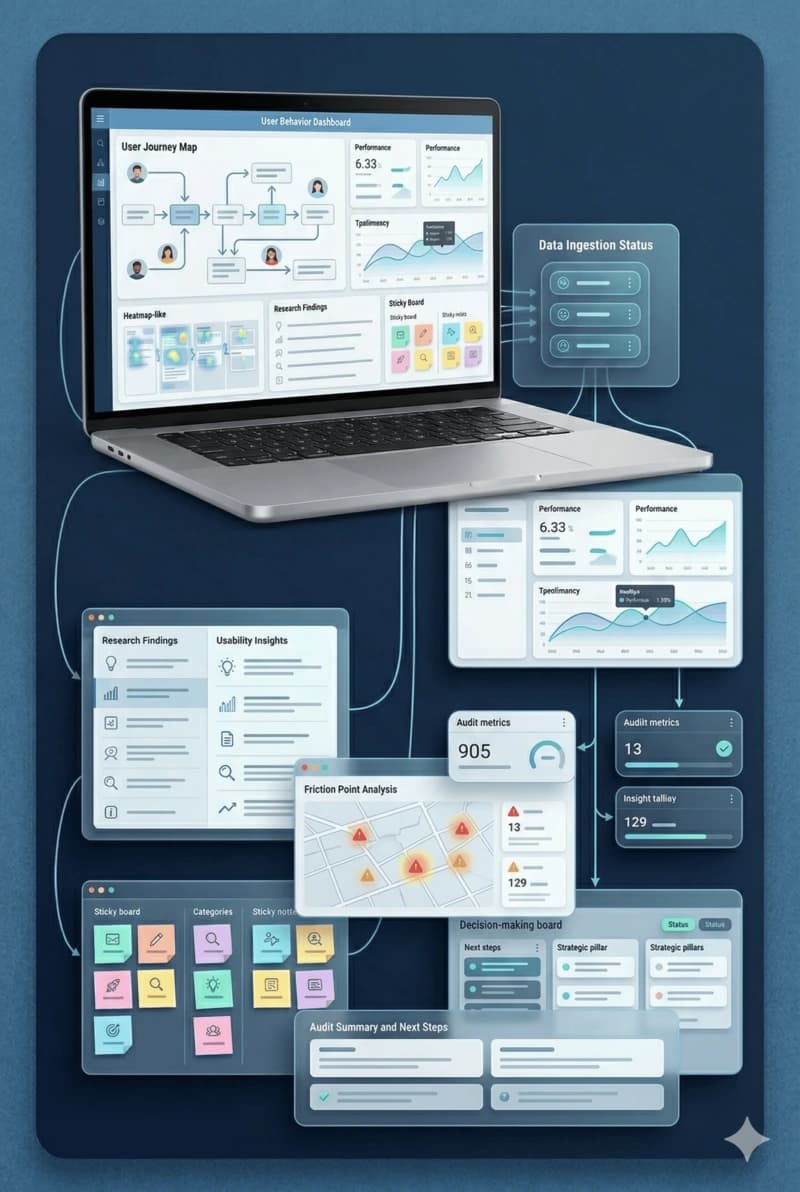
UX research & audit
We review goals, audience, and friction points to prioritize what the product needs clarified first.
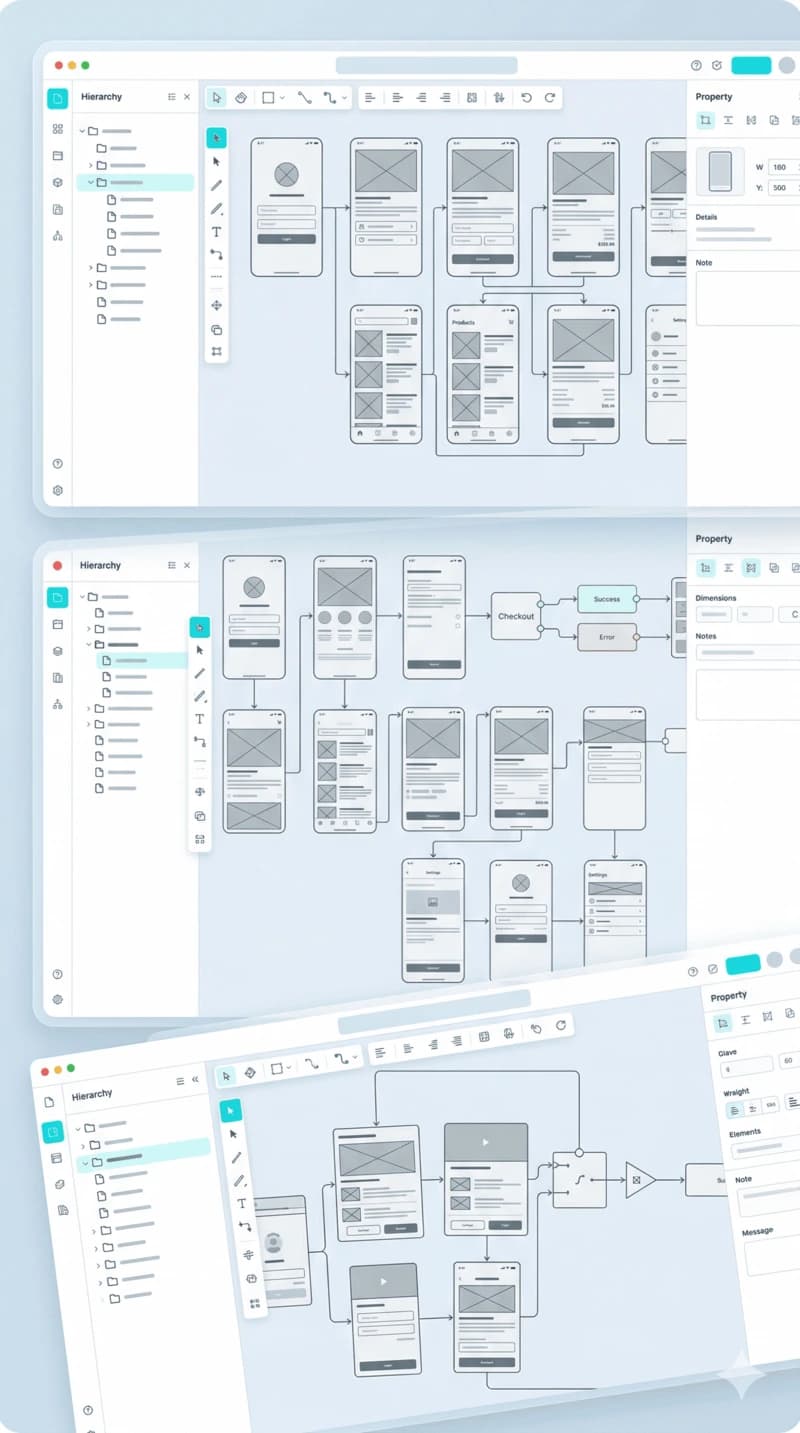
Wireframes & user flows
We define structure, hierarchy, journeys, and key states before moving into final visual design.
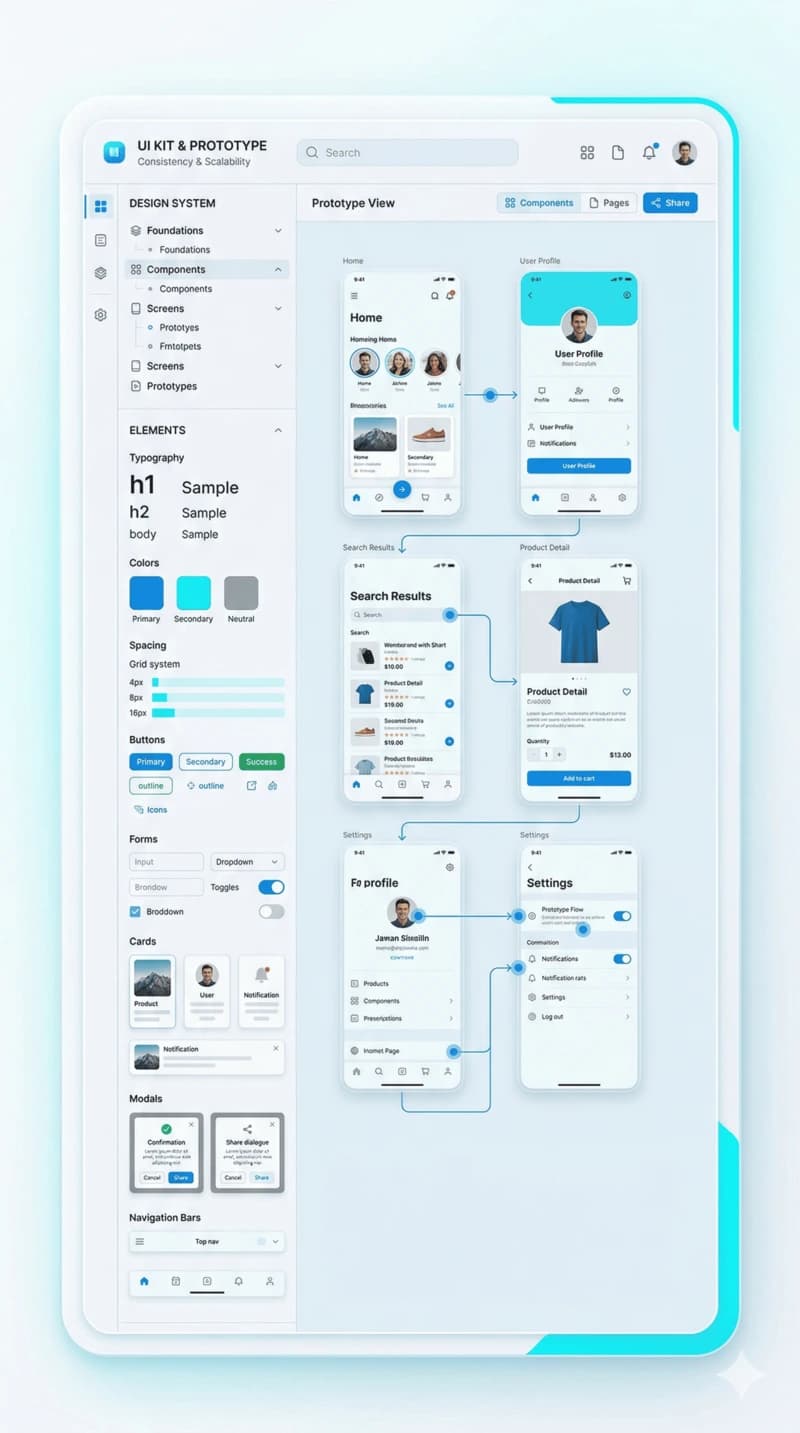
UI kit & prototype
We shape the visual direction, reusable components, and prototypes for validation and handoff.
What you actually get
We focus on deliverables that help decision-making, validation, and development, not just screens that look good in a presentation.
UX audit and prioritization
01We identify friction points, critical screens, and areas where users lose clarity or context.
Wireframes and user flows
02We define the key steps, states, and screen structure before final visual design starts.
UI kit or design system
03We establish visual rules, reusable components, and consistency for development and future growth.
Prototype and handoff
04We prepare prototypes, notes, and organized files so implementation can start without ambiguity.
Questions clients ask before a UI/UX project
These questions usually come up before we define the structure, deliverables, and how the design work moves into development.
Tools and handoff workflow we use
We work in the standard UI/UX apps used for research, prototyping, developer handoff, and component documentation.

Figma
Wireframes, prototypes, and design systems

Zeplin
Developer handoff and specs

Adobe XD
Flow prototyping and validation

Storybook
Component docs and UI states
Related services
UI/UX works best when it is connected to implementation, launch, and the long-term evolution of the product.